AI backyard design idea
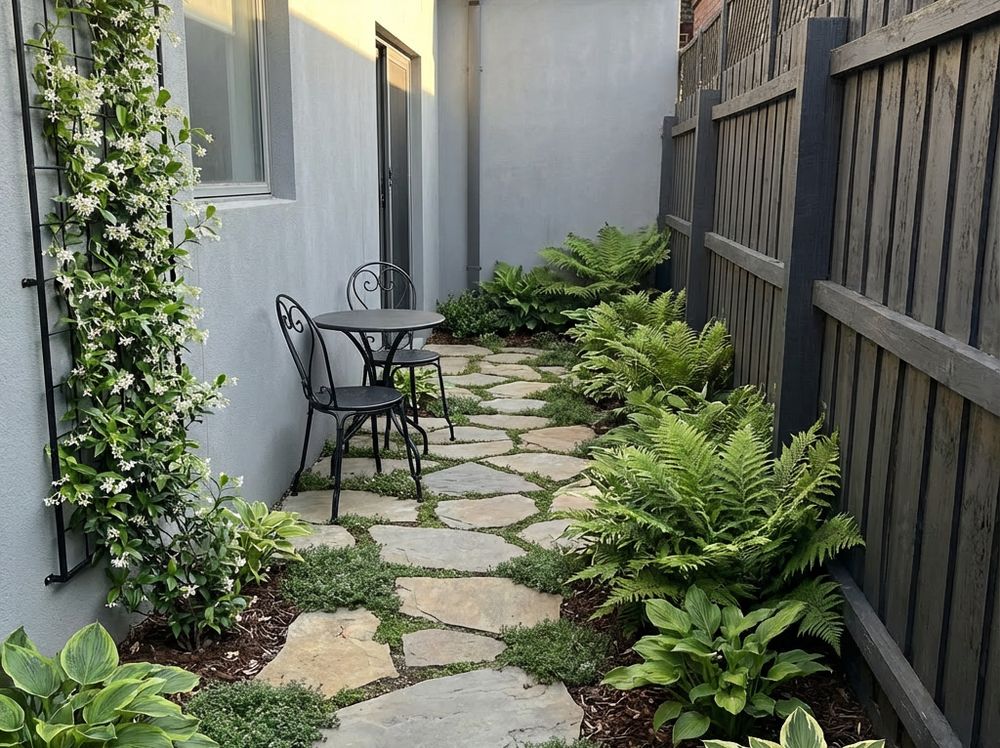
Small backyard
Turn a tight yard into one clear outdoor room
Use the app to test whether a compact backyard works better as a patio, garden room, or simple planted retreat.
Upload a backyard photo and use AI to test layout, patio, planting, privacy, lawn, pool, pathway, and outdoor seating ideas on your real yard before you spend on labor or materials. No design experience needed.
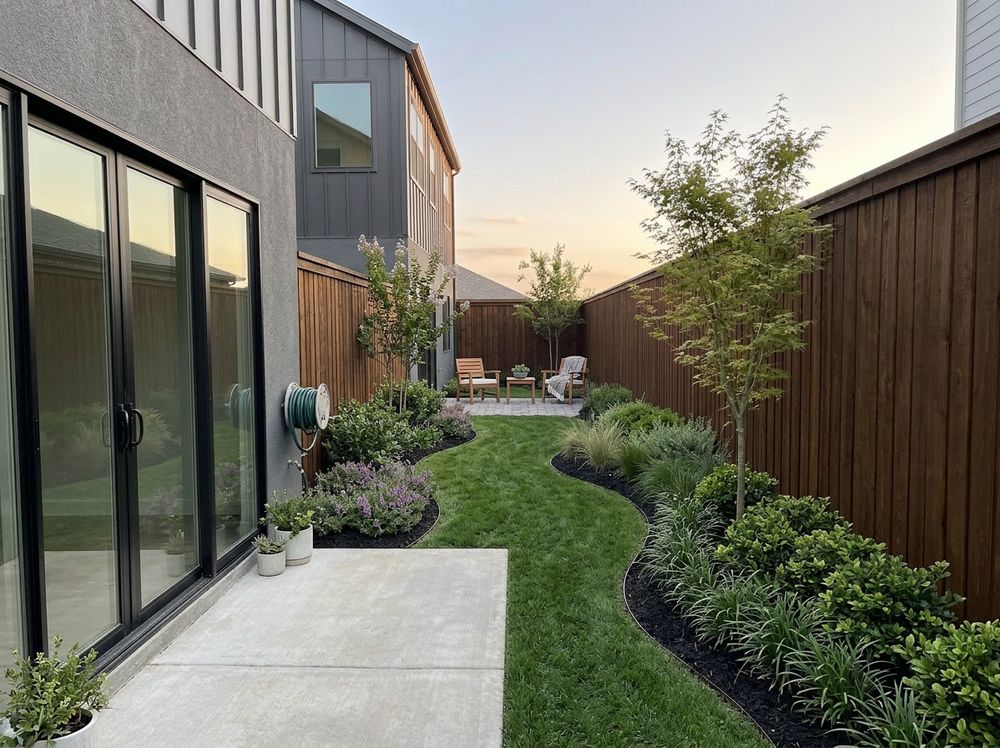
GardenDream turns a real backyard photo into visual design directions so you can compare the yard layout before committing to a contractor, plant order, patio, pool, or hardscape plan.
Start with a clear image of the backyard, fence lines, patio area, lawn, slope, or blank space you want to redesign.
Tell the AI backyard design app whether you want more privacy, a better patio, planting beds, lawn shape, seating, pool space, or a full yard makeover.
Create backyard design ideas that show different layout directions on your actual yard photo.
Compare and adjust the patio, planting, privacy, lawn, pathway, and outdoor seating logic before you build.
Use the backyard design app to compare small, narrow, sloped, rectangular, and privacy-focused backyard directions before choosing one plan.
Use the app to test whether a compact backyard works better as a patio, garden room, or simple planted retreat.
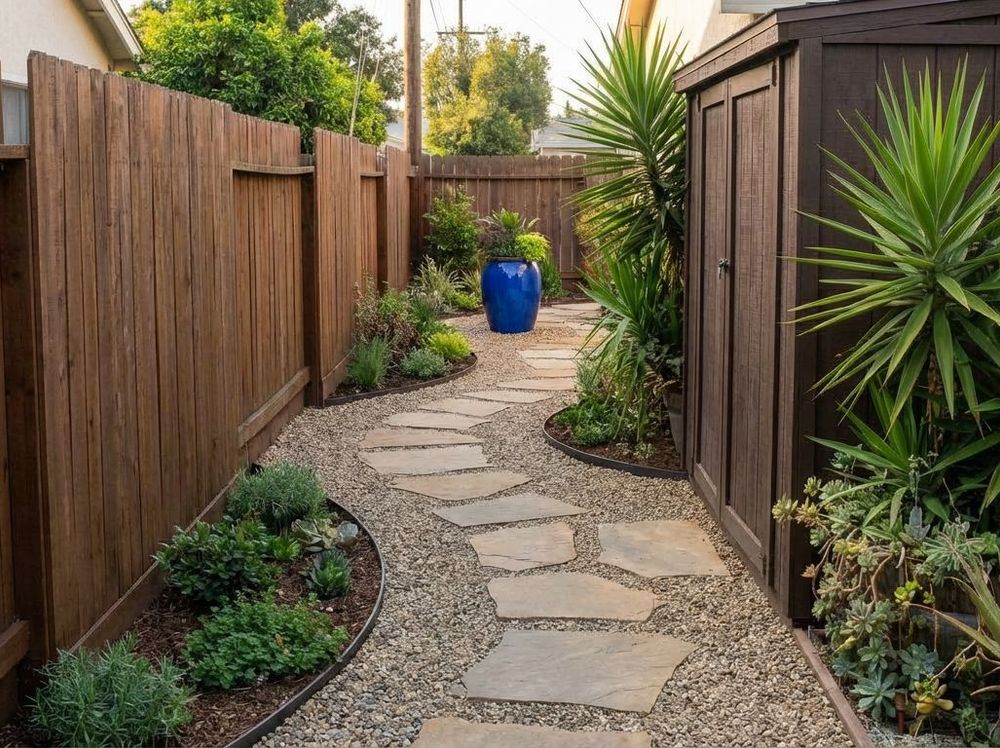
A narrow backyard can feel wider when the path, planting, and end point are tested together instead of guessed separately.
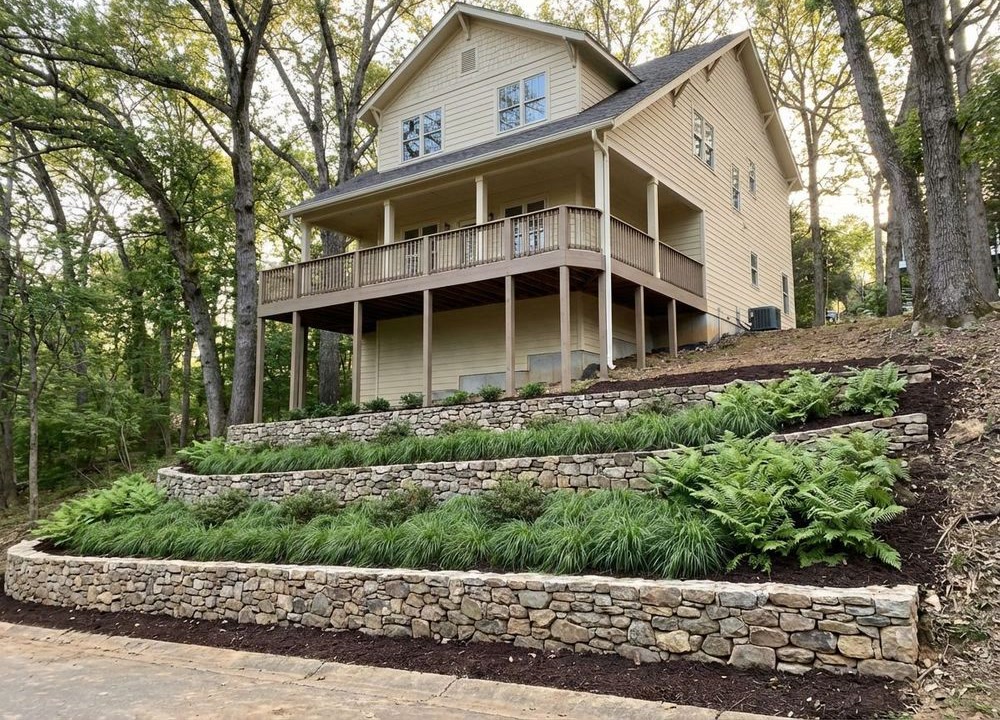
Use AI backyard design ideas to compare planted slopes, steps, terraces, and level seating zones before committing to grading work.
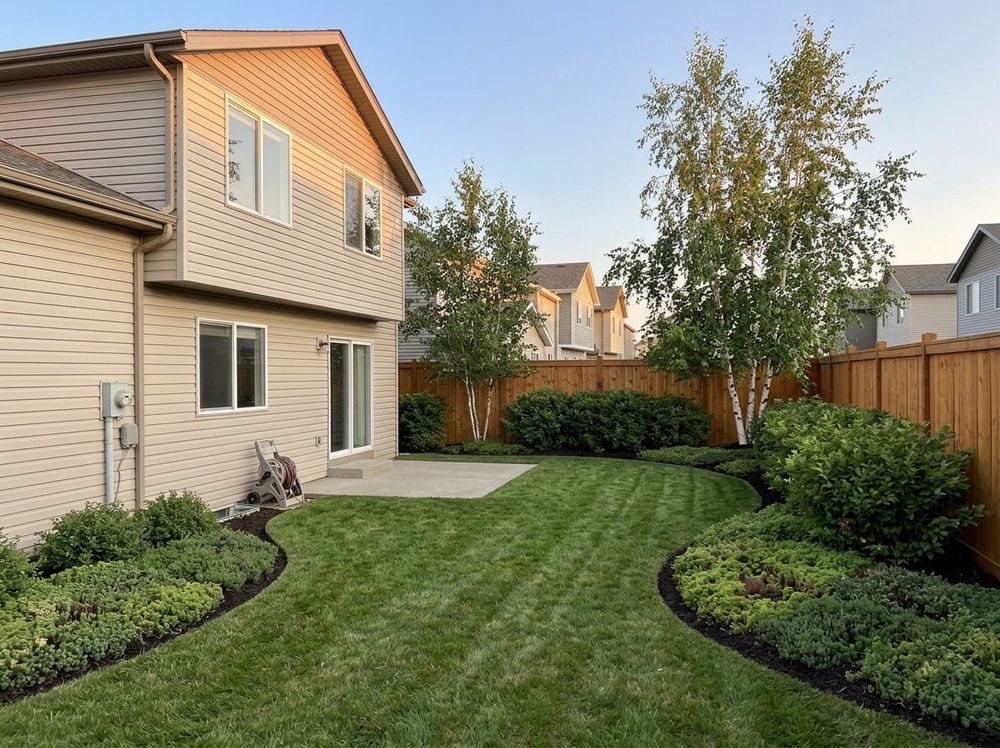
A blank rectangle usually needs stronger patio placement, bed depth, lawn shape, and focal points before it needs more decoration.
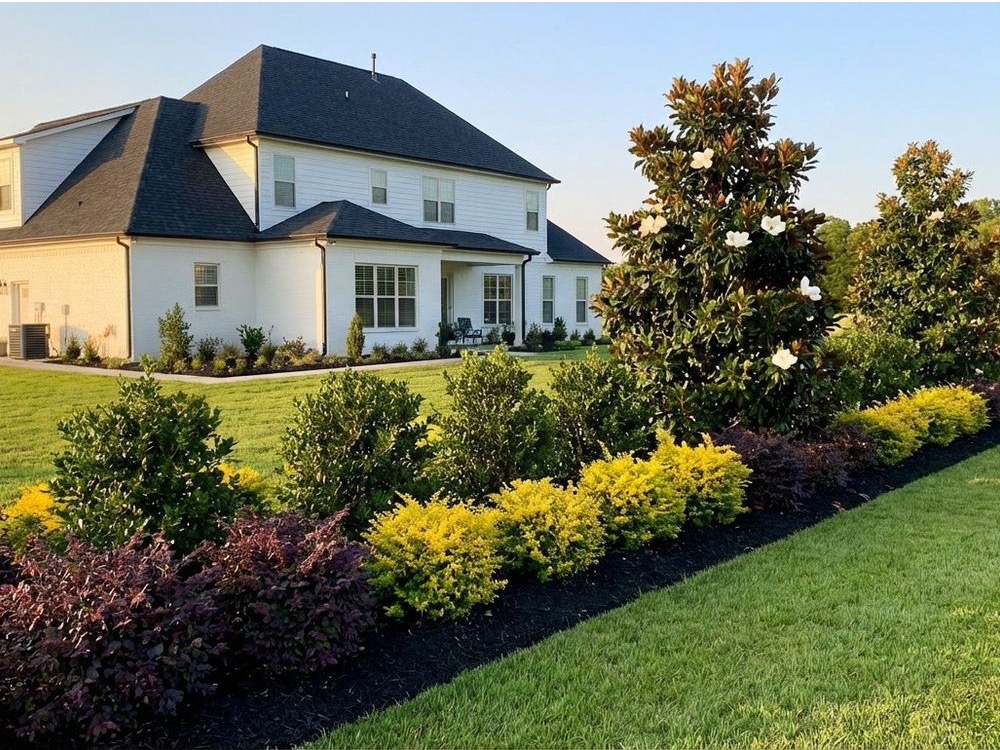
Test layered privacy screens, fence softening, patio screening, and planting depth on the real yard photo.
Visualize backyard design ideas on your own photo before paying for hardscape, planting, lighting, or labor.
Test more patio-led, more planted, more private, more open, or more destination-focused designs on the same yard.
A patio, fire pit, pool, or planting bed can look good in isolation and still feel wrong once it is mapped onto the actual backyard.
Use the backyard design app to narrow the direction before asking a contractor to price materials, grading, planting, or construction.
A basic backyard planner can help you arrange symbols on a flat plan. GardenDream is built for visual AI backyard design: upload a photo, compare real-looking design directions, and judge whether the patio, planting, lawn, privacy, pool, and seating choices work together.
GardenDream helps you explore the backyard pieces homeowners usually need to judge together, not as separate shopping-list items.
Compare patio size, placement, hardscape direction, and how the patio connects to the house.
Test deeper borders, foundation-style backyard beds, corner planting, and softer fence edges.
Visualize layered screening, fence softening, patio privacy, and narrow-bed privacy ideas.
Redraw the lawn edge so the yard feels intentional instead of like leftover grass.
Find the strongest gathering zone for dining, lounge chairs, or a destination seating area.
Check whether a fire pit belongs near the house, in a corner, or as a separate destination.
Explore pool-adjacent planting, privacy, lounge zones, and open circulation before committing space.
Test paths that connect outdoor rooms without turning the backyard into a rigid corridor.
A visual backyard design app helps you clarify the direction before paid design time, estimates, plant orders, demolition, or construction. You can show a landscaper what you are considering instead of starting from a blank conversation.
A basic yard planner is useful for rough measurements and object placement. GardenDream is stronger when you need to see realistic AI backyard design ideas on the actual yard image.
Compact layouts, no-lawn options, and one clear destination when the space is tight.
Patio ideas for sizing, placement, and the hardscape move that organizes the yard.
Privacy ideas for the parts of the yard that feel exposed where you actually spend time.
Yes. GardenDream lets you start with a backyard photo and generate AI backyard design ideas for layout, planting, privacy, patio, lawn, and outdoor-living changes.
Yes. GardenDream is a backyard design app for homeowners who want to visualize backyard design ideas on their own yard photo before building.
Yes. It is useful before hiring a landscaper because you can compare directions, clarify priorities, and bring more specific backyard design ideas into the conversation.
Yes. The backyard design app can help you test patio layout, planting beds, privacy screens, lawn shape, outdoor seating, fire pit zones, pool areas, and pathways.
Yes. A backyard planner usually focuses on placing objects or drawing a plan. GardenDream focuses on visual AI backyard design ideas from your yard photo.
No. You start with a photo and compare visual directions, which makes the planning process much easier for homeowners.